Atlassian Products for Django Development: Bamboo Installation
- 2 minsHello Folks,
This is the second post in my Atlassian Products for Django Development series and I’m going to cover Bamboo installation.
So, let’s go!
The first step is to create Amazon EC2 environment.
Go to https://console.aws.amazon.com and set up your account:
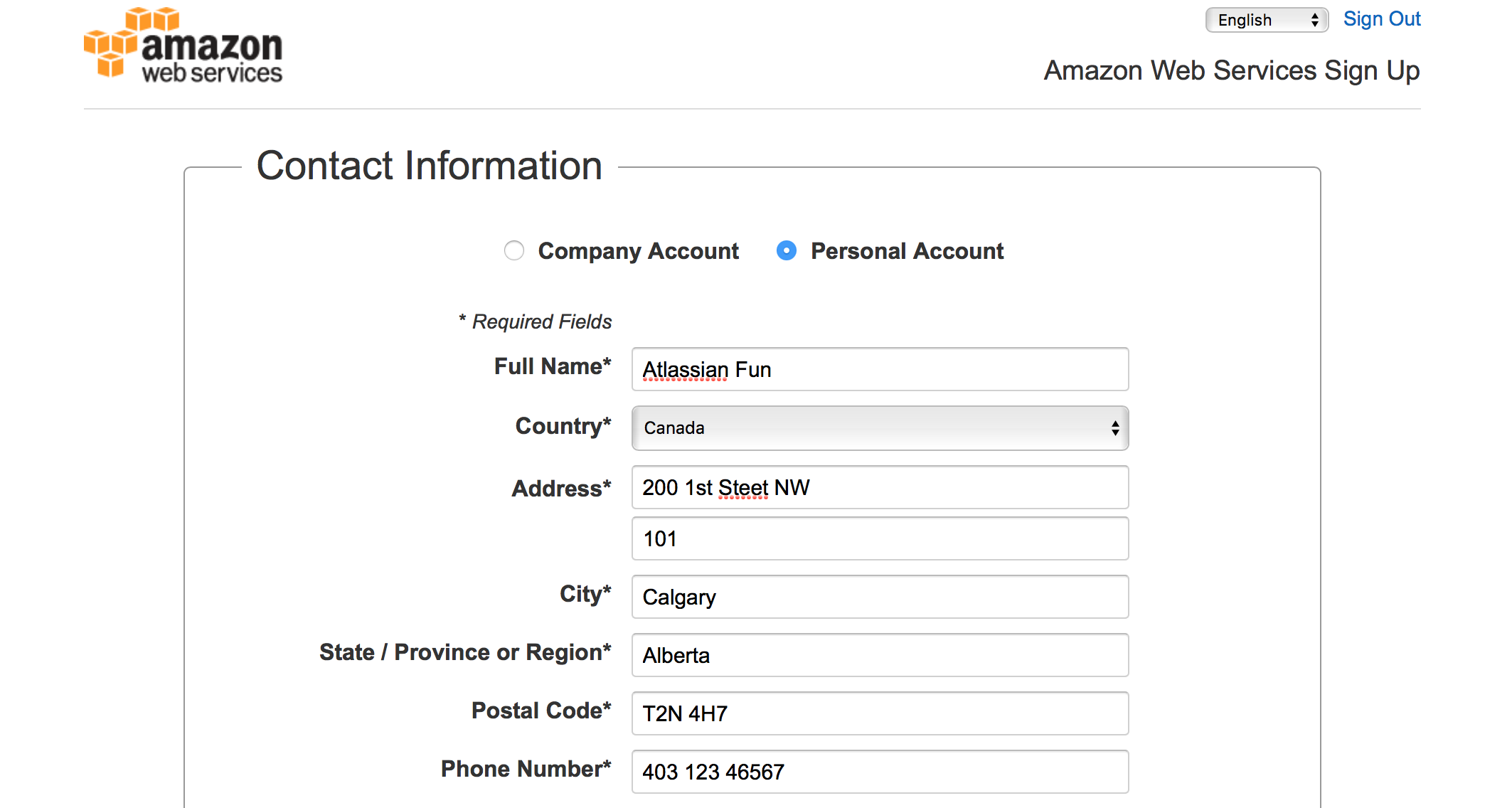
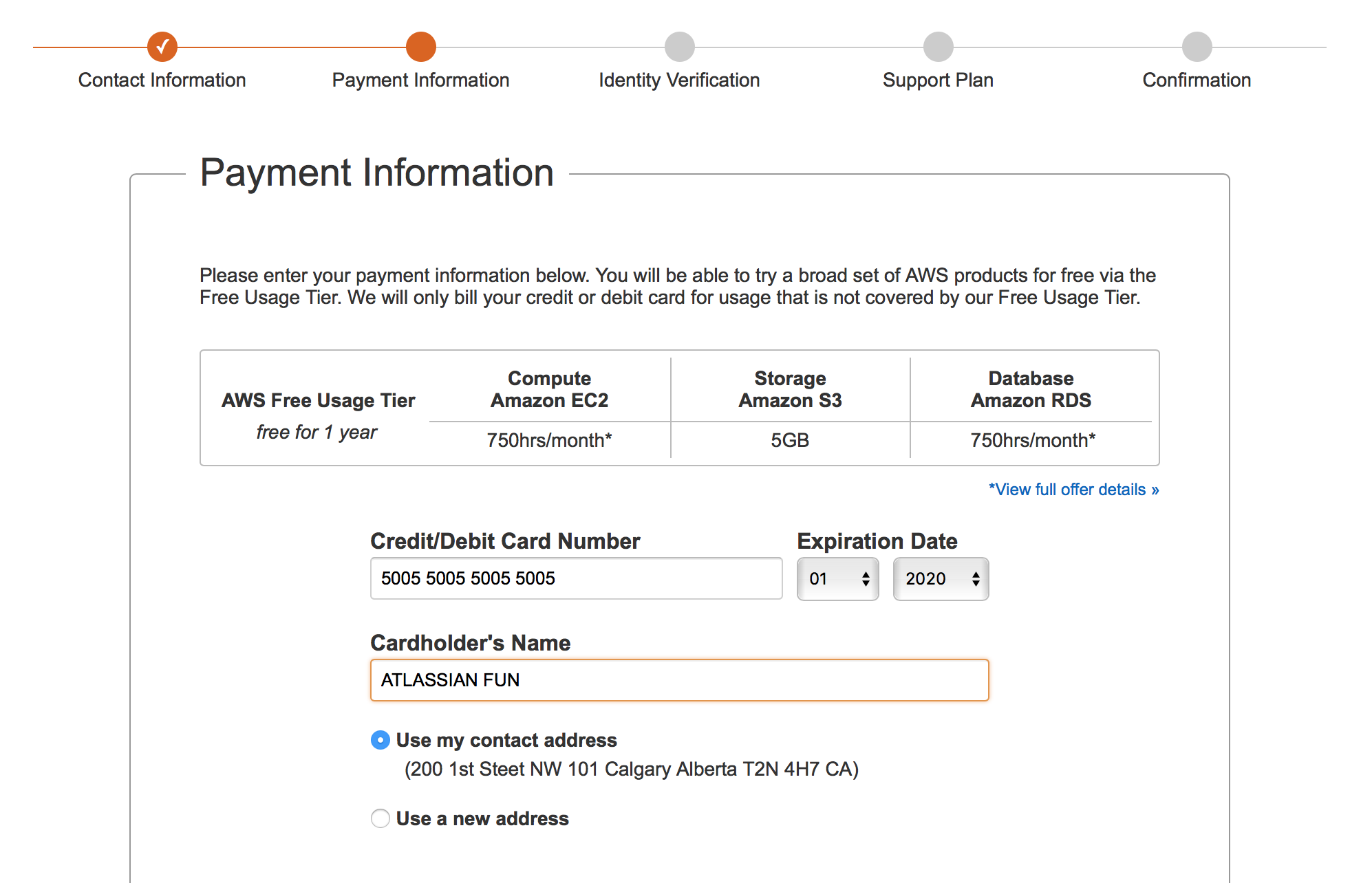
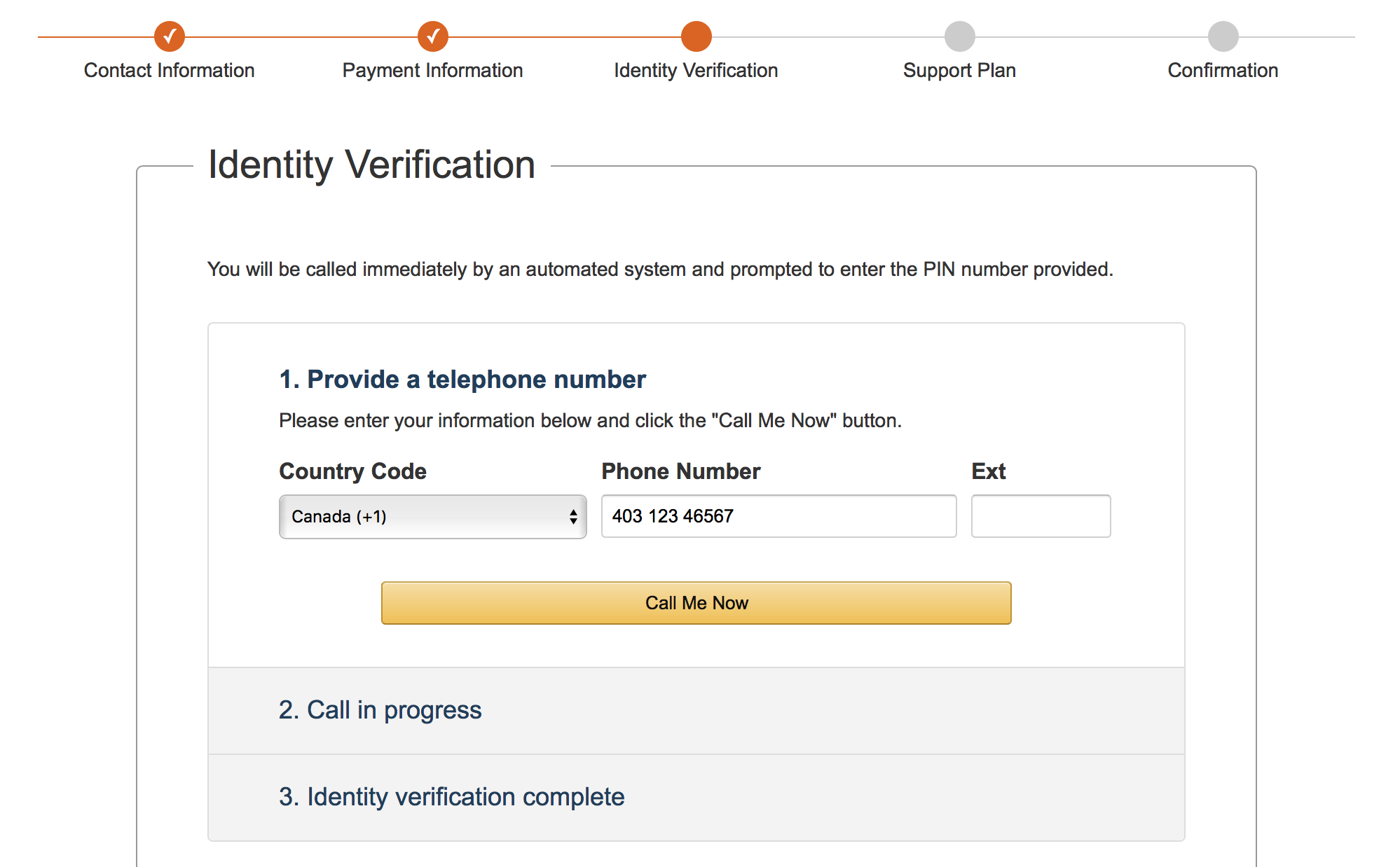
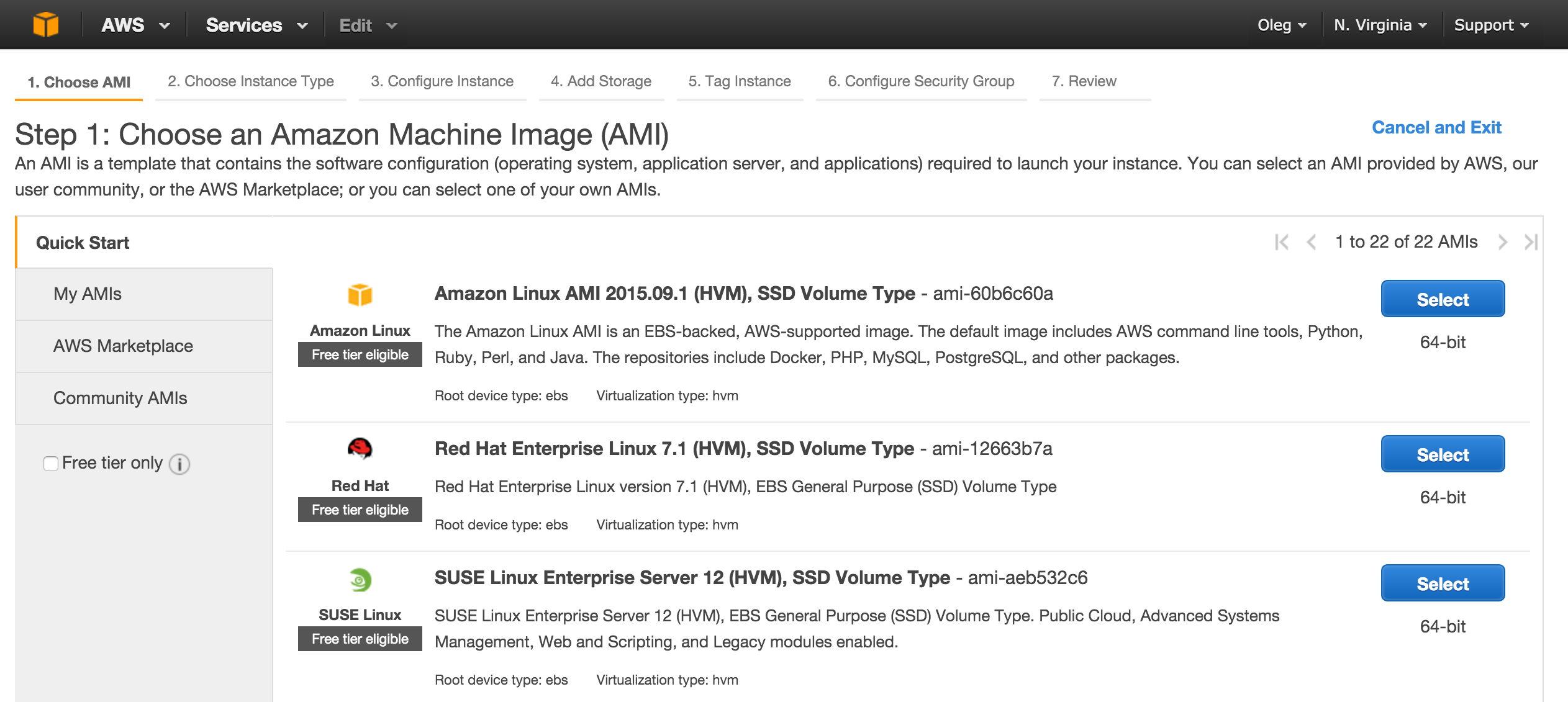
Now it is time to launch the virtual server that will host Bamboo installation:
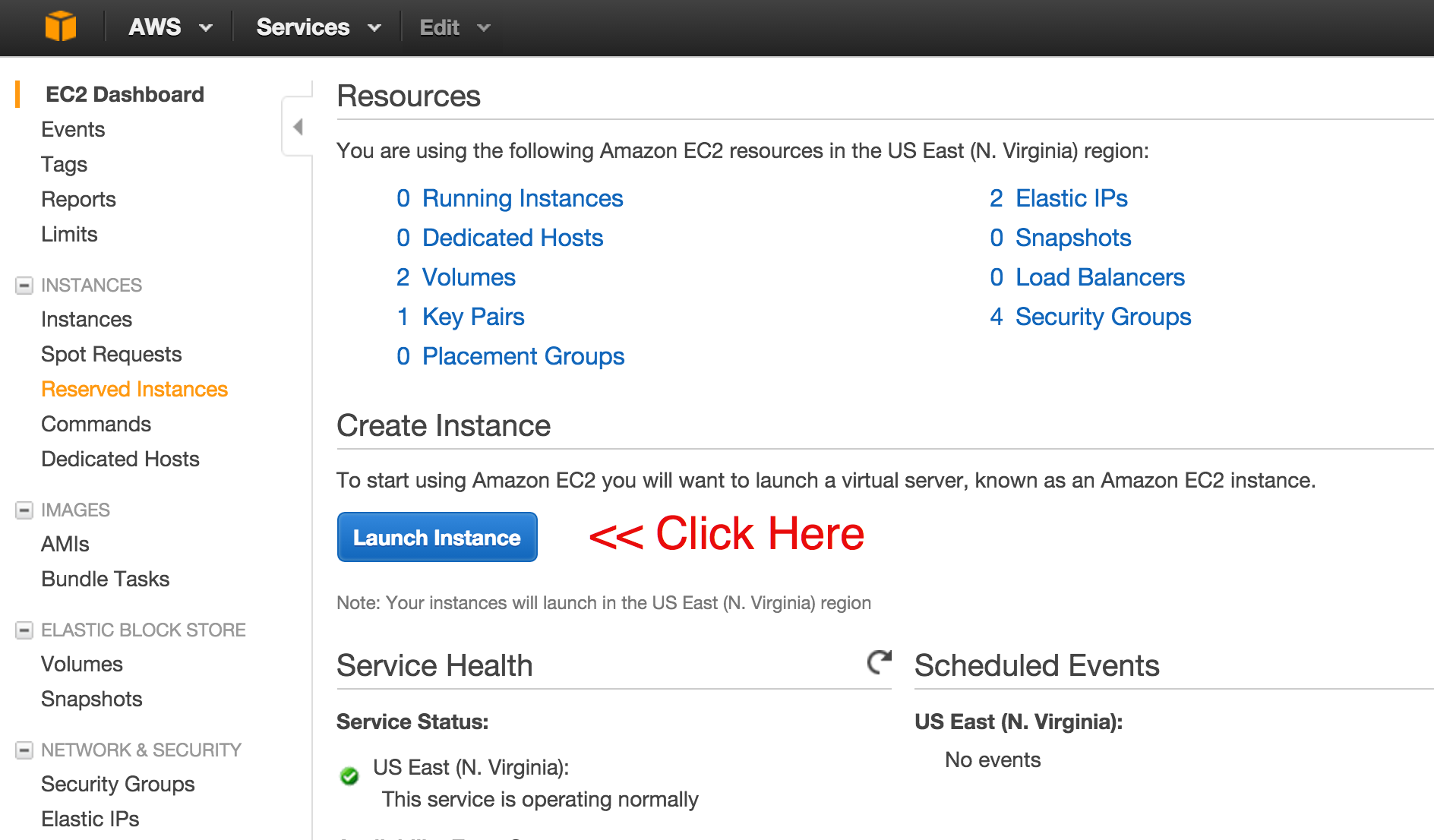
I prefer install Atlassian products on linux (Ubuntu) environment, but you may choose whatever you like:
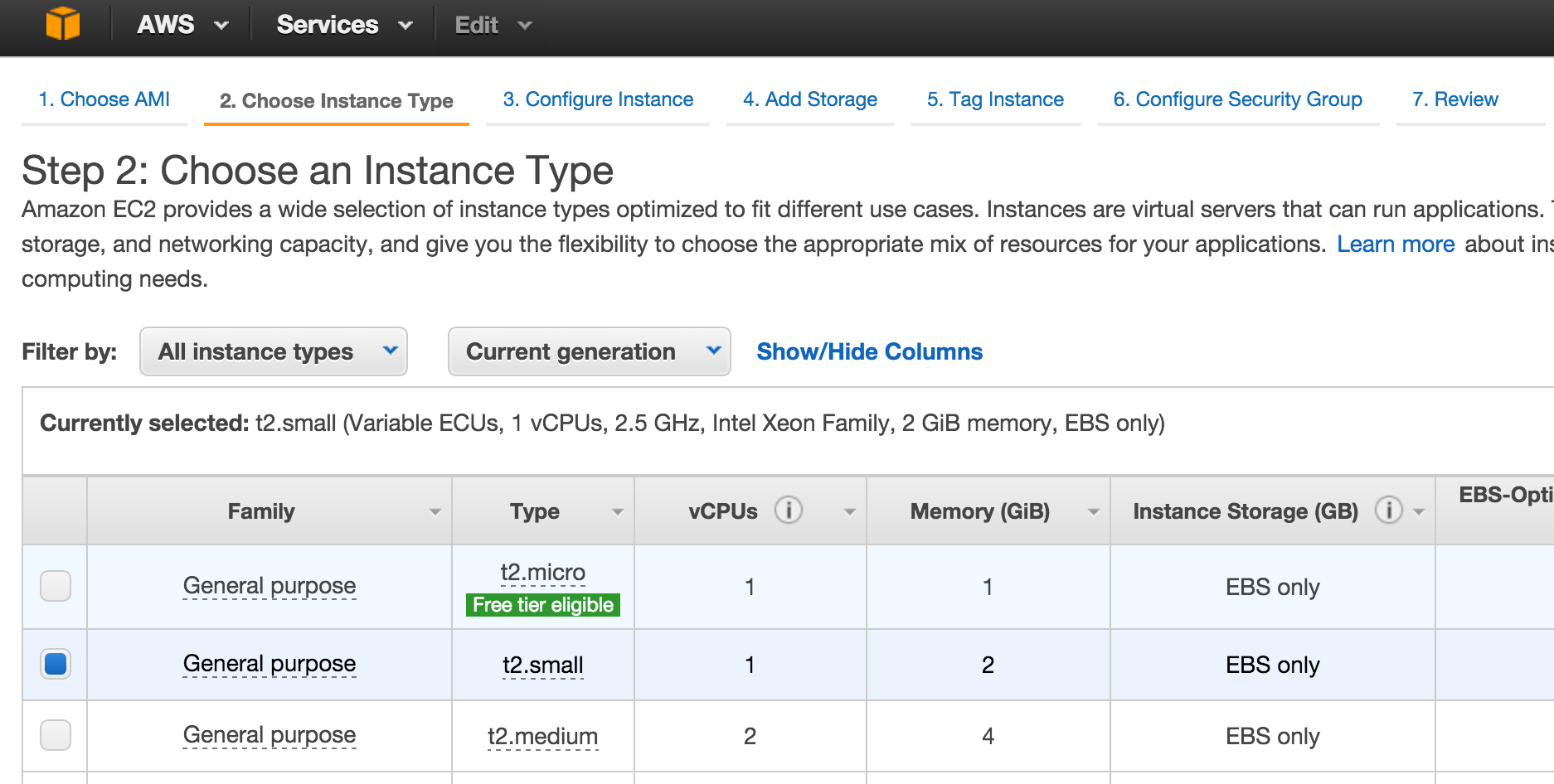
On the next screen please choose small instance as it has 2Gb RAM - just enough for Bamboo:
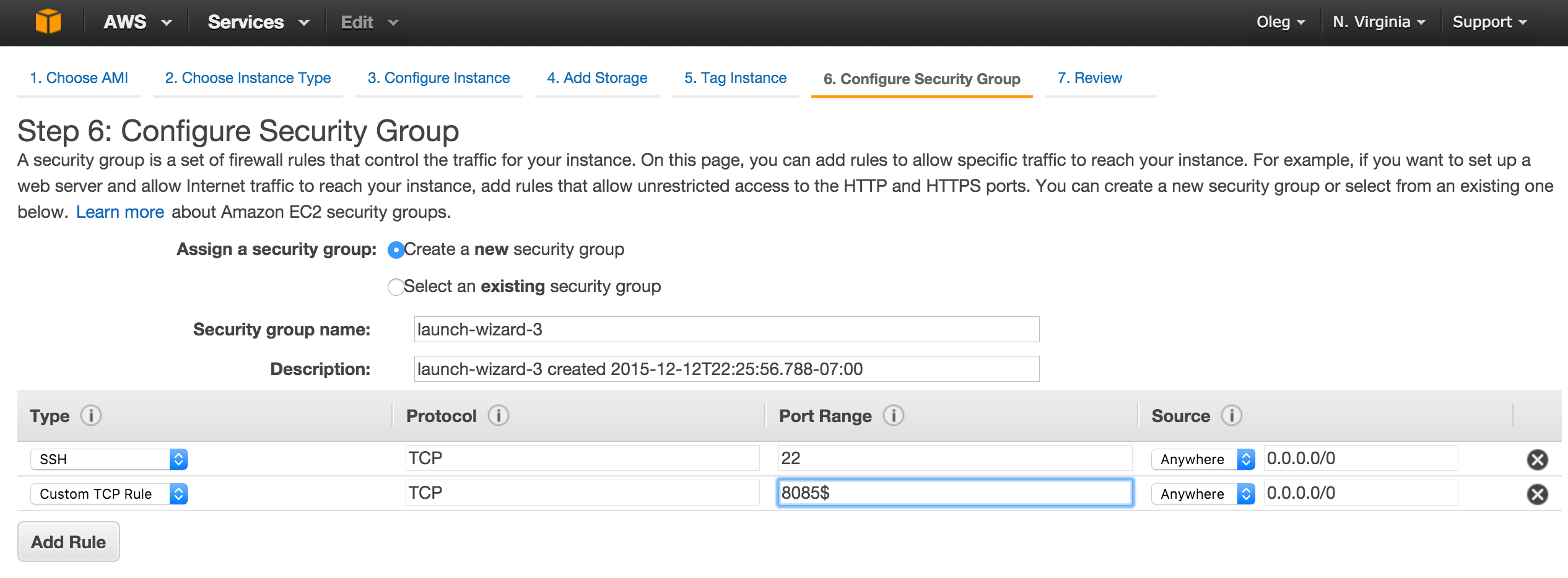
Follow the steps of setup wizard and add the new rule on step 6 - Configure Security Group. You should allow traffic on port 8085 as it is Bamboo standard port:
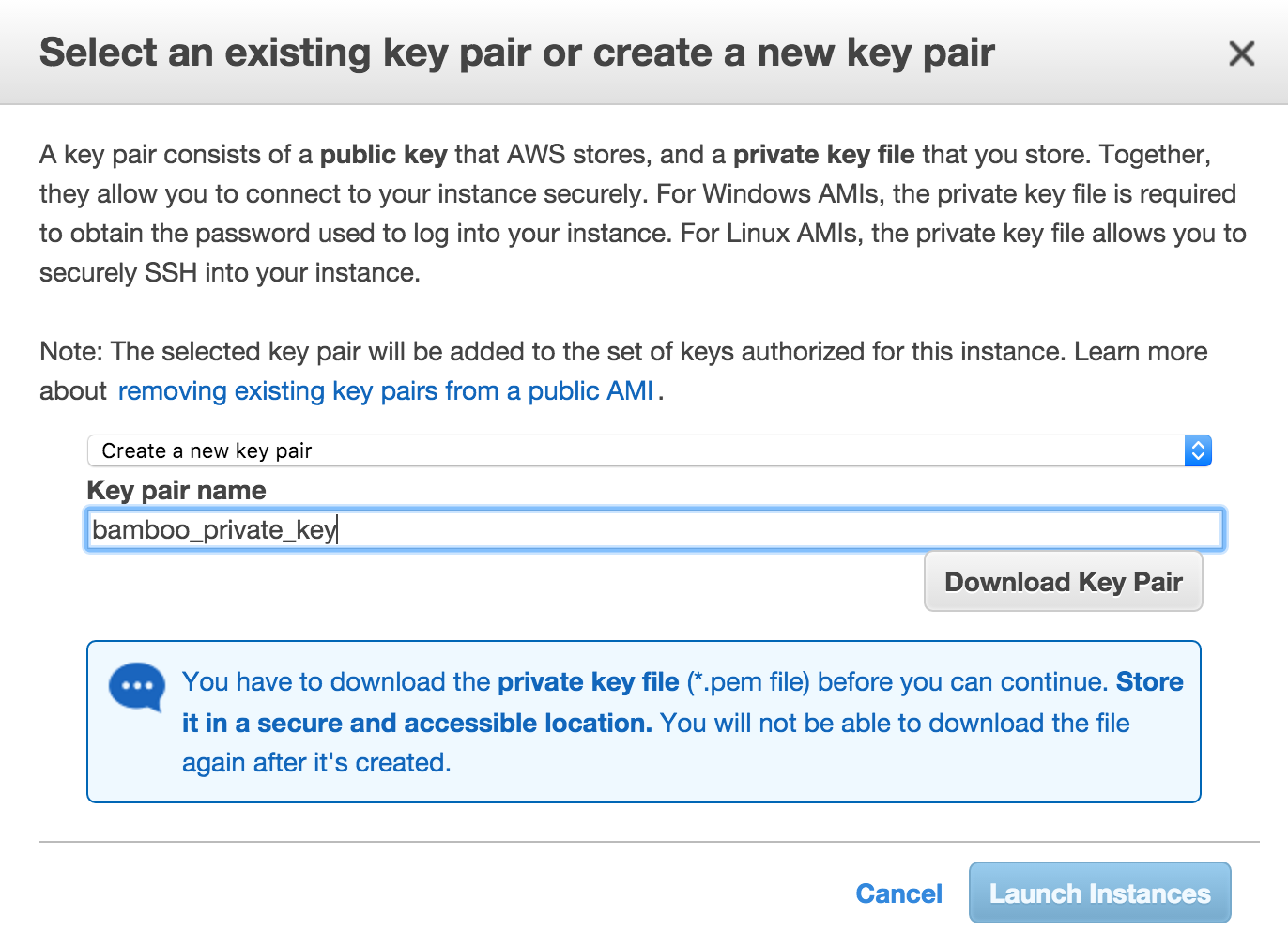
The last step with Amazon EC2 Console is to create and download ssh private key that we will use to access our linux environment:
Now as our instance is up and running, it’s time to install Bamboo 5:
Please open your ssh client and connect to EC2 server.
ssh -i bamboo_private_key.pem ubuntu@<YOUR_SERVER_IP>Note, that your server public IP is available on Amazon EC2 console
    # Create Bamboo installation and home folders.
    sudo su
    mkdir /opt/bamboo
    mkdir /opt/bamboo/bamboo-home
    cd /opt/bamboo
Now you need to know Bamboo installation file download path. You may get it on Bamboo Linux Download Page.
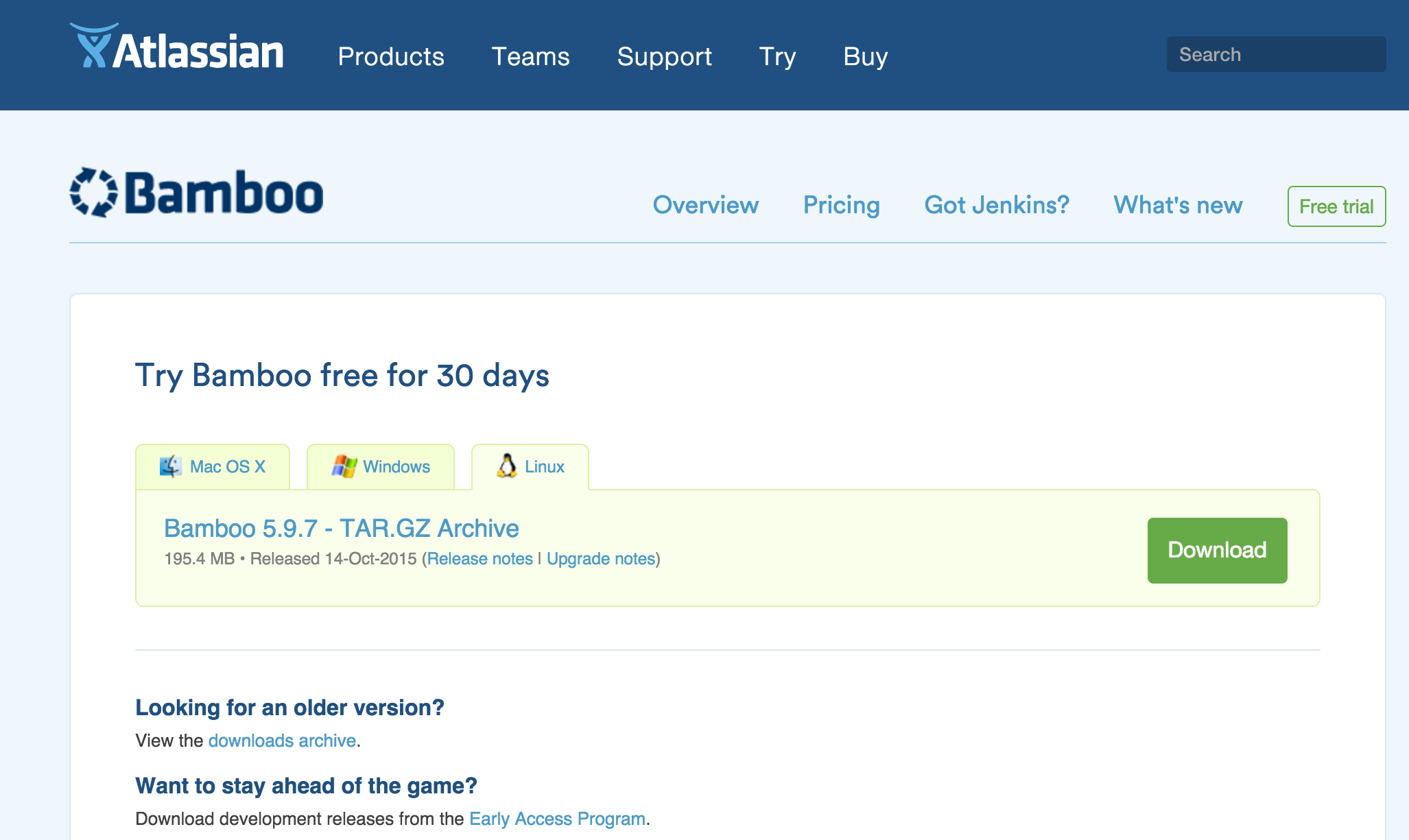
    # Download Bamboo installation file
    wget https://www.atlassian.com/<path>/atlassian-bamboo-5.x.x.tar.gz
    tar -xvzf atlassian-bamboo-5.x.x.tar.gz

    # Install Java 8
    add-apt-repository ppa:webupd8team/java
    apt-get update
    apt-get install oracle-java8-installer
    apt-get install oracle-java8-set-default
    java -version

    # Edit Bamboo config file to add this line into it
    # bamboo.home=/opt/bamboo/bamboo-home
    nano atlassian-bamboo-5.x.x/atlassian-bamboo/WEB-INF/classes/bamboo-init.properties

    # Start the server
    atlassian-bamboo-5.x.x/bin/start-bamboo.sh
The output should look like:
    Server startup logs are located in /opt/bamboo/logs/catalina.out

    Bamboo Server Edition
    Version : 5.9.7

    Detecting JVM PermGen support...
    PermGen switch is supported. Setting to 256m

    If you encounter issues starting or stopping Bamboo Server, please see the Troubleshooting guide at https://confluence.atlassian.com/display/BAMBOO/Installing+and+upgrading+Bamboo

    Using CATALINA_BASE:   /opt/bamboo/atlassian-bamboo-5.9.7
    Using CATALINA_HOME:   /opt/bamboo/atlassian-bamboo-5.9.7
    Using CATALINA_TMPDIR: /opt/bamboo/atlassian-bamboo-5.9.7/temp
    Using JRE_HOME:        /usr/lib/jvm/java-8-oracle
    Using CLASSPATH:       /opt/bamboo/atlassian-bamboo-5.9.7/bin/bootstrap.jar:/opt/bamboo/atlassian-bamboo-5.9.7/bin/tomcat-juli.jar
    Tomcat started.
Now Install Python tools to deploy Django apps into separate sandboxes:
    # Install PIP and virtualenvwrapper
    apt-get install python-pip python-dev build-essential
    pip install --upgrade pip
    pip install --upgrade virtualenv
    pip install virtualenvwrapper

    mkdir /opt/python_envs
    export WORKON_HOME=/opt/python_envs
    source /usr/local/bin/virtualenvwrapper.sh
That’s all for today, in the next post I’ll explain how to configure our newly installed CI server.

Oleg Snegirev
DevOps/Application Support Analyst